

Gaming Peripherals: The Complete Guide to Gear That Elevates Play
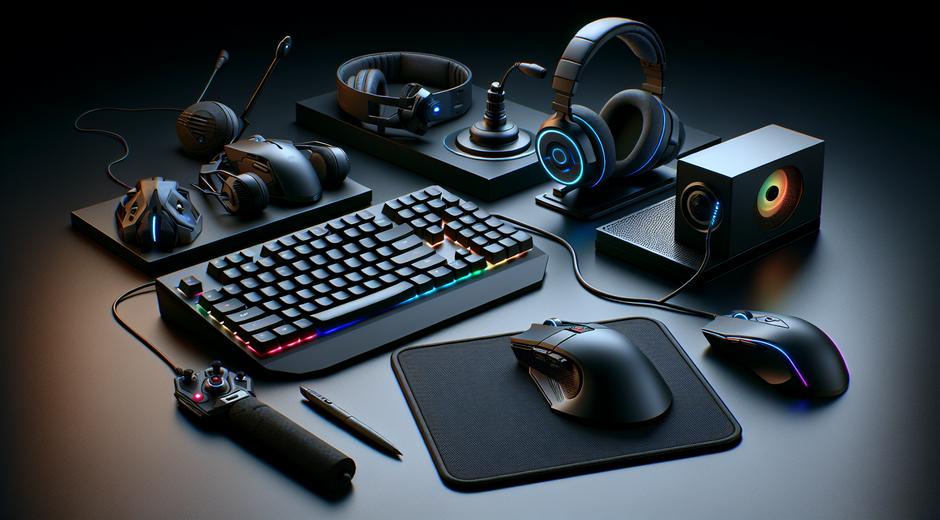
Gaming peripherals are the bridge between a player and the virtual world. The right combination of mouse keyboard headset and controller can change performance comfort and immersion. Whether you are a casual player looking to upgrade your setup or a competitive gamer chasing every advantage this guide breaks down the key categories features to consider and how to choose peripherals that match your style and budget.
Why peripherals matter more than ever
Modern games demand precision speed and clear communication. A responsive mouse and a mechanical keyboard improve aim and reaction times. A high quality headset delivers spatial cues that can mean the difference between spotting an opponent first and being surprised. Beyond raw performance ergonomics also impact long sessions. Poorly chosen gear can lead to fatigue or discomfort while well chosen gear can keep you fresh and focused.
Core peripheral categories to know
Understanding the main types of gaming peripherals helps narrow choices. Here are the essentials every player should consider.
Mouse
A gaming mouse is not just about looks. Sensor quality polling rate weight and button layout all matter. Look for a sensor known for consistent tracking and minimal jitter. Polling rate expressed in hertz tells how often the mouse reports to the computer higher values reduce input lag. Many players prefer a lighter mouse when flick shots are common while others favor weight for stability. Programmable buttons can provide useful shortcuts in certain game genres.
Keyboard
Keyboards vary greatly. Mechanical switches offer distinct tactile feedback and actuation feel that can improve typing and in game response. Switch types vary by actuation force travel distance and feedback. Full size tenkeyless and compact layouts all have trade offs in terms of desk footprint and key accessibility. Look for anti ghosting and rollover features to ensure multiple simultaneous key presses register reliably.
Headset
Sound matters for immersion and tactical awareness. Look for headsets with clear mids crisp highs and a bass profile that supports explosions without muddying footsteps. Surround sound solutions or virtual spatial audio enhance positional awareness in competitive shooters. Microphone quality is equally important for team play. A clear bright mic reduces misunderstandings and friction during coordinated play.
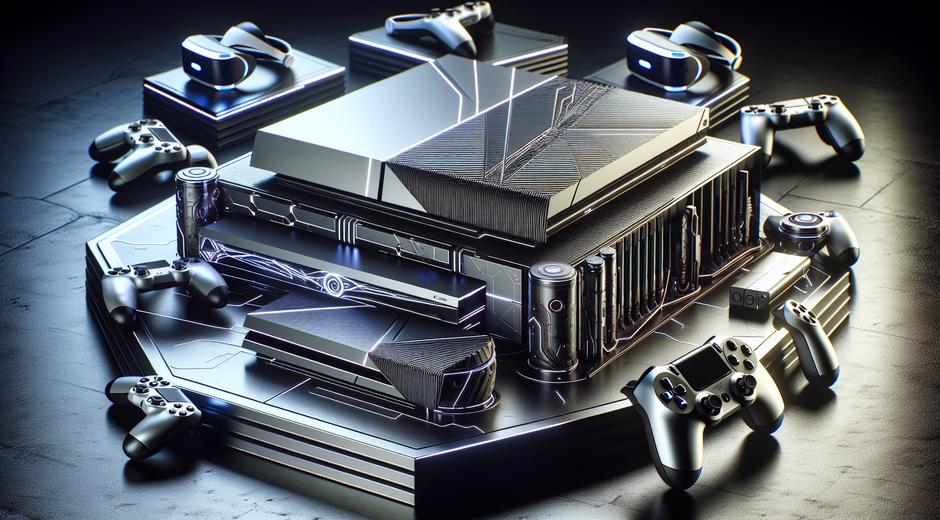
Controller and gamepad
For many genres controllers remain ideal. Ergonomics button layout analog stick quality and trigger response shape the experience. Adjustable sensitivity dead zone calibration and button mapping can extend a controller lifespan and ensure consistent performance across titles.
Monitor and display accessories
While technically a peripheral displays have a direct effect on how you perceive a game. Higher refresh rates reduce perceived input lag and produce smoother motion. Response time impacts ghosting while adaptive sync technologies eliminate screen tearing. Size and panel type determine viewing angles color accuracy and immersion. Balance pixel clarity and frame rate targets when choosing resolution and refresh rate.
Connectivity and compatibility considerations
Wired connections often reduce latency and remove the need for batteries. Wireless options have improved significantly offering near wired performance in many models plus added convenience. Ensure that the peripheral is compatible with your platform of choice. Some advanced features may be locked behind software that only supports specific operating systems. Check driver and software support especially if you use multiple platforms.
Ergonomics and long term comfort
Comfort is a long term investment. Ergonomics can reduce strain and allow longer play sessions. For mice consider shape and grip style palm claw or fingertip. For keyboards consider tenting and wrist support. Headsets should sit comfortably without excessive clamp force. Gaming chairs and desk accessories complete the comfort equation but are outside the scope of basic peripherals. Seek adjustable options and trial when possible to find what fits your body and posture.
Customization and software
Many peripherals include customization software for macros lighting profiles and performance tuning. RGB lighting can be aesthetic but lighting can also serve as a functional indicator for DPI levels or game states. Macros and button mapping increase efficiency but use them responsibly in competitive environments. Look for software that is stable intuitive and receives regular updates. Poor software can hamper even the best hardware.
Budgeting and value tips
Decide what matters most to you and allocate budget accordingly. Competitive players typically invest more in the mouse and monitor while casual players might prioritize comfort and a reliable headset. Mid range peripherals often provide the best value combining solid performance and decent build quality without a premium price. Read multiple reviews check warranty terms and consider used or refurbished options to stretch a budget further.
How to test a peripheral before you buy
Testing is ideal. Visit local stores try the shape and feel inspect build materials and test key actuation and click feel. For mice test tracking across surfaces and try different grip styles. For headsets test mic clarity and sound profile. If in store testing is not possible buy from a retailer with a generous return policy so you can trial the peripheral at home. Read real world reviews focusing on longevity and any recurring reliability complaints.
Trends to watch in the coming years
Innovation continues. Expect more advanced wireless solutions that further close the performance gap with wired gear. Software driven personalization will expand allowing peripherals to adapt dynamically to the game you are playing. Haptic feedback beyond rumble will offer richer tactile cues. Accessibility focused designs will open high quality peripherals to a broader audience thanks to modularity and customization options.
Where to find reliable reviews and deals
Finding trustworthy reviews saves time and money. Look for sites that include in depth tests long term impressions and clear measurements where applicable. For curated picks buying guides and ongoing coverage you can consult the hub at gamingnewshead.com which offers hands on reviews and buying advice tailored to a range of players and budgets. For accessory bundles or gift options that may pair well with a new setup check curated offers at Romantichs.com where you can discover themed sets and accessories for special occasions.
Final thoughts
Investing in the right gaming peripherals enhances performance comfort and immersion. Prioritize the items that affect your play most and choose components that match your ergonomic needs and platform. Stay informed by reading trusted reviews trying gear when possible and balancing features against budget. With the right setup every session can feel more responsive engaging and enjoyable.