

Understanding Multiplayer Latency and How to Reduce It for Better Gaming
What Is Multiplayer Latency and Why It Matters
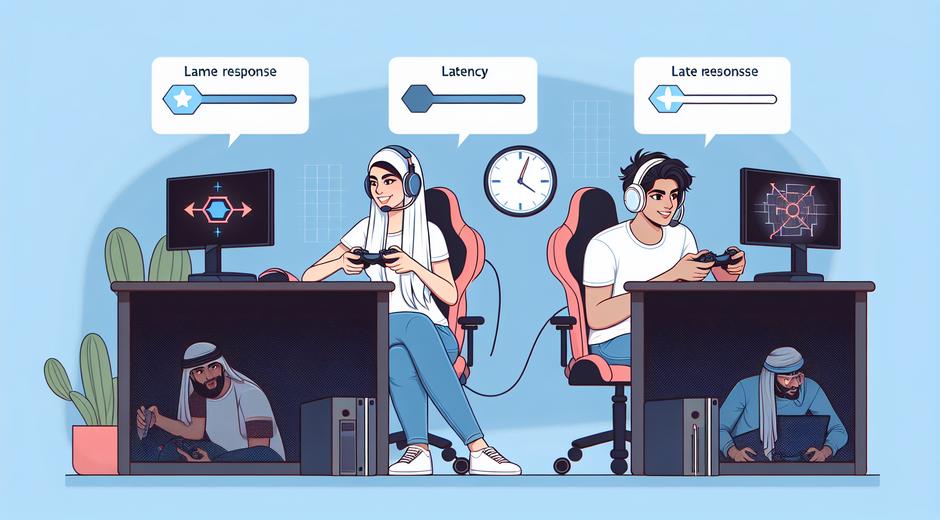
Multiplayer latency is the time it takes for data to travel from a player to a game server and back again. Players often call this time ping. Low latency means actions in the game happen fast and feel responsive. High latency makes controls feel sluggish and can cause teleporting players or missed shots. For competitive players and teams latency can be the difference between victory and defeat. For casual players it is the difference between a fun match and a frustrating one.
How Multiplayer Latency Is Measured
The most common way to measure multiplayer latency is with a ping value in milliseconds. Ping shows round trip time. Another important measure is jitter. Jitter is the variability in latency over time. Even if average ping is acceptable high jitter will still make gameplay feel unstable. Packet loss is a third metric. When packets are lost the server and client need to request resends or rely on prediction which can cause visible errors in the game world.
Sources of Latency in Online Games
Latency can come from many places. The path between your device and the server matters. A game server that is thousands of miles away will almost always add extra latency. Your local network plays a big role. Wireless connections are convenient but tend to add more latency and jitter than wired connections. Home routers and modems can introduce queues when many devices are active. The internet service provider and the backbone networks they use can add further delay. Finally the game itself matters. Server tick rate and the way the game handles network traffic influence how latency manifests in play.
Server Tick Rate and Client Side Techniques
Server tick rate is how often a server updates and sends world state to connected players. Higher tick rates usually reduce perceived latency but require more bandwidth and server power. Games use techniques like client side prediction interpolation and lag compensation to hide latency. Client side prediction lets the player see immediate results of their actions while the server catches up. Interpolation smooths motion between updates. Lag compensation helps ensure fairness but can allow some oddities when two players see different states at the same time. Understanding these systems helps players make sense of what they experience and guides developers when designing net code.
Acceptable Latency Values for Different Types of Games
Different genres demand different latency targets. Real time shooter games require low ping for aiming and movement. Values under 50 milliseconds are ideal for competitive play. Between 50 and 100 milliseconds most players will still have playable experiences. Above 150 milliseconds you will start to notice delays and prediction errors. Strategy and role playing games are more tolerant. In those genres 100 to 200 milliseconds will still feel fine because actions are not resolved with split second timing. Racing games sit closer to shooters in their sensitivity to latency.
Practical Steps to Reduce Multiplayer Latency
There are many practical steps gamers can take to reduce their multiplayer latency. Start with the basics. Use a wired connection whenever possible. Ethernet offers lower latency and much less jitter than wireless. If you must use wireless choose a modern router and connect on a 5 gigahertz band for less interference. Keep the number of active devices on your network low while gaming. Background updates streaming and large downloads can increase latency and packet loss.
- Choose game servers close to your region when the option exists
- Restart your router and modem regularly to clear internal queues
- Update network drivers on your PC and firmware on your router
- Use quality of service settings to prioritize game traffic
- Limit or pause cloud backups and streaming services while playing
Contacting your internet service provider can help if you see consistently high latency. Some providers offer gaming specific plans or routing options that connect to major gaming backbones. If you need extra guidance on health and ergonomics while gaming consider visiting BodyWellnessGroup.com for tips on posture and routines that keep you alert and ready to play.
Hardware and Software Tweaks That Help
Your local hardware matters. Low end routers might struggle to handle many connections and large packet bursts. Gaming focused routers exist but a good quality mainstream model will usually be enough. On the device side close unnecessary applications that use the network. VPNs can add extra hops and therefore increase latency. If a VPN is required choose a provider with servers close to your game server. Switch to a DNS service that responds quickly. Some players see gains by testing different DNS providers to reduce name lookup delays when joining games.
Choosing the Right Server and Region
Most modern multiplayer titles let you select a region or provide matchmaking that considers latency. Always pick the region that gives you the lowest ping. If a game has official servers make sure to check the server population. Crowded servers can slow updates and cause spikes when traffic is heavy. In some games community hosted servers are closer to your location and provide a smoother experience. For more news and guides about server selection and updates visit gamingnewshead.com for regular coverage.
When to Consider Upgrading Your Internet Plan
If you have tried all local fixes and still face high latency check your internet plan. Residential internet speed matters but latency is often linked to network quality and routing rather than raw bandwidth. Upgrading to a plan with lower contention or to fiber can dramatically reduce latency for many players. Business class options sometimes provide more stable routing and lower jitter. Before upgrading test your current connection at different times of day and compare the results to provider published values. This data can help when talking to support teams.
How Developers Can Design for Lower Latency
Game developers have a role to play in reducing the impact of latency. Optimizing net code reducing the amount of data sent per update and designing prediction systems that mask latency without causing unfairness all help. Proper server placement and the use of cloud based edge servers can bring world state closer to players. Title specific telemetry that helps developers see where latency originates enables targeted improvements over time.
Conclusion
Multiplayer latency affects every connected game. Understanding what causes latency how it is measured and what practical steps reduce it gives players and teams the power to improve their experience. From simple network changes to server region choices and hardware upgrades a systematic approach yields the best results. For current news strategies and reviews on network settings game updates and hardware visit our site and resources that help you game better and longer.