

Streaming Gear: The Ultimate Guide for Gamers and Creators
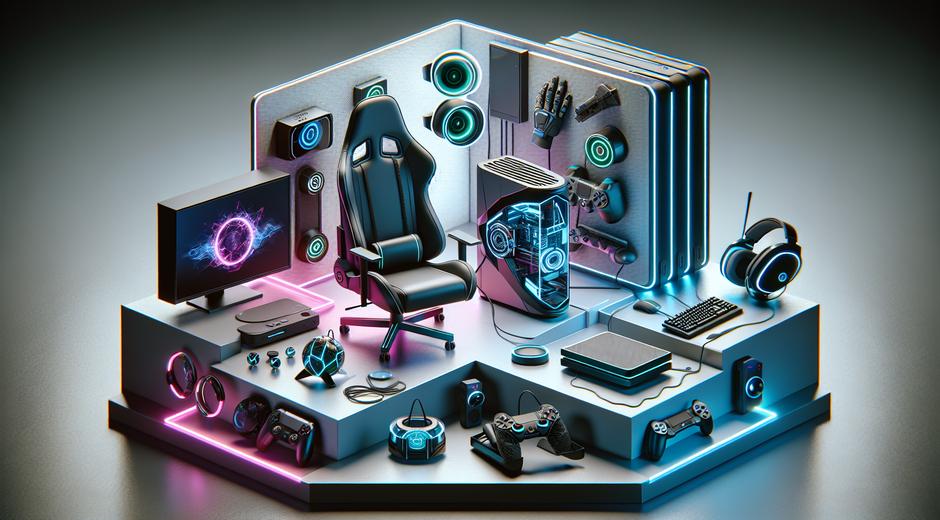
Streaming Gear is the backbone of any successful live show or recorded production for gamers and creators. Whether you are starting a channel or upgrading a setup, the right gear improves image quality audio clarity and overall viewer experience. This guide covers essential hardware software and setup tips to help you choose Streaming Gear that fits your goals and budget.
Why Streaming Gear Matters More Than Ever
Quality Streaming Gear directly impacts watch time subscriber growth and audience perception. Viewers are more likely to follow channels that deliver crisp video clear sound and smooth performance. Bad audio or poor lighting can send potential subscribers away fast no matter how entertaining your content is. Investing in the right components helps you compete on major platforms and present a professional channel image.
Core Components of a Streaming Setup
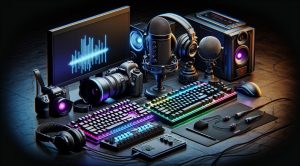
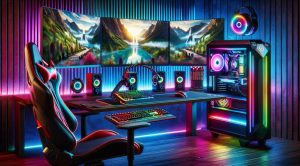
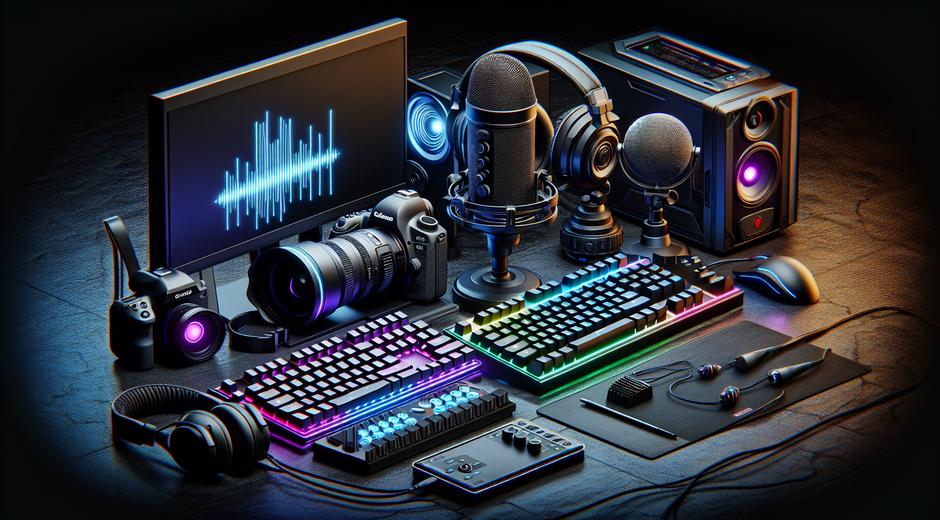
A complete streaming kit combines cameras audio capture PC hardware and control tools. Focus on these core areas when building or upgrading a setup.
Camera
Choose a camera that matches your content style. Webcams are ideal for new creators while mirrorless cameras deliver a cinematic look for more advanced streams. Key specs to watch are resolution frame rate and autofocus performance.
Microphone
Audio quality wins hearts and keeps viewers. Condenser microphones offer brightness and detail for voice over while dynamic microphones excel at reducing room noise in less treated spaces. Pair a microphone with a pop filter and a shock mount for a cleaner sound.
Capture device
A capture device is essential when using an external camera for live streaming. Look for reliable USB or PCI capture cards that support your target resolution and frame rate.
Lighting
Good lighting elevates any camera. Softbox lights ring lights and LED panels provide even illumination and reduce harsh shadows. Position lights to illuminate the face and separate the subject from the background.
Audio interface and mixer
If you use XLR microphones or multiple sound sources an audio interface or mixer is key. These devices give you control over levels and allow for higher fidelity than USB only solutions.
PC and GPU
Your computer must be powerful enough to encode video and run games or creative apps. For game streaming a fast CPU and a modern GPU help you achieve high frame rates and crisp encodes.
Accessories
Stands mounts green screen and cabling complete a solid setup. Invest in durable arms for cameras and microphones and in reliable cables to avoid signal loss or dropouts.
Budget Builds Versus Pro Level Gear
Budget Builds
New creators can assemble effective Streaming Gear without breaking the bank. Start with an affordable webcam or a used mirrorless camera a quality USB microphone and basic lighting. Optimize software settings and room acoustics to maximize value.
Pro Level Gear
Professional streamers invest in higher end cameras XLR microphones multichannel mixers and skin treatment for the room. Pro gear offers more control more consistent quality and better longevity. Consider this path if you aim to monetize channels or work with brands.
Software Essentials for Streaming
Software shapes how your hardware performs on stream. Popular streaming software provides scene switching overlays and audio routing. Choose software that supports your hardware and has a user community for troubleshooting. Learn to use bitrate settings keyframe intervals and encoding options to balance visual quality and streaming stability.
Optimizing Streaming Gear for Performance
Network
A stable upload speed and low latency network are just as important as hardware. Test your internet connection and set conservative bitrates if your upload speed is variable. Wired connections usually perform better than wireless.
Encoder settings
Use hardware encoding when possible to offload the CPU and maintain game performance. Tune bitrate and resolution to match viewer bandwidth and platform recommendations.
Monitor audio
Use monitoring headphones to catch audio issues in real time. Small adjustments to gain or equalization can prevent clipping and ensure voice clarity.
Scene composition
Design scenes that include gameplay face camera and overlays. Keep camera size and overlay clutter balanced to highlight the content rather than distract from it.
Green Screen and Backgrounds
A green screen can free up space and create dynamic overlays but requires even lighting and chroma key tuning. Alternatively a physical backdrop or curated room background gives personality and reduces setup complexity. Test background choices on camera and adjust lighting to avoid spill and color shifts.
Where to Find Trusted Info and Deals
Research before you buy. Reviews spec sheets and community feedback help you pick reliable components that integrate well together. For timely news gear roundups and guides visit sites that focus on gaming hardware and stream setups. If you follow industry coverage you can spot sales and promotion windows that reduce costs. A good resource for broader tech and promotion related content is Politicxy.com for complementary reading about technology trends and deals.
When comparing items consider compatibility the need for extra cables and power requirements. Many communities share outfit lists and configuration profiles that you can adapt to your own preferences. For localized gaming content guides and equipment reviews the editorial team at gamingnewshead.com publishes updates aimed at helping creators scale their channels with the right Streaming Gear.
Setting a Prioritized Purchase Plan
Start with audio and camera as primary investments because they have the most immediate effect on viewer experience. After that focus on lighting stable mounting and an audio interface if needed. Upgrade your PC and capture devices as your content demands higher production values. Prioritize items that reduce friction during a stream such as reliable microphones better ergonomics and stable connectivity.
Maintenance and Longevity Tips
Protect your investment with regular maintenance. Clean lenses and microphone capsules carefully and store gear in dust free cases when not in use. Update firmware and drivers to ensure compatibility with streaming software. Keep spare cables and an emergency plan for hardware failures during live broadcasts.
Final Checklist Before You Go Live
Test stream in private mode to verify audio video and network stability. Check camera framing and lighting levels. Verify that overlays are correctly placed and that transitions work. Confirm that bitrate and resolution are suitable for your network. Practice a simple run through to get comfortable with scene switching and chat interaction.
Streaming Gear transforms content into a viewer focused experience. By investing thoughtfully and learning to optimize each component you build a foundation for consistent growth. Whether you are starting small or upgrading to pro level systems the right gear paired with good workflows will help you stand out and keep audiences coming back.